Lancaster Equine, Pet & People Mastery September 2026
Create painterly equine, pet and people portraits using AI compositing, Photoshop editing and hand-painted finishes on canvas.
Behind The Scenes Of A Recent Workshop
No painting experience required! From editing in Photodshop and Krea to painting your image on the printed canvas.
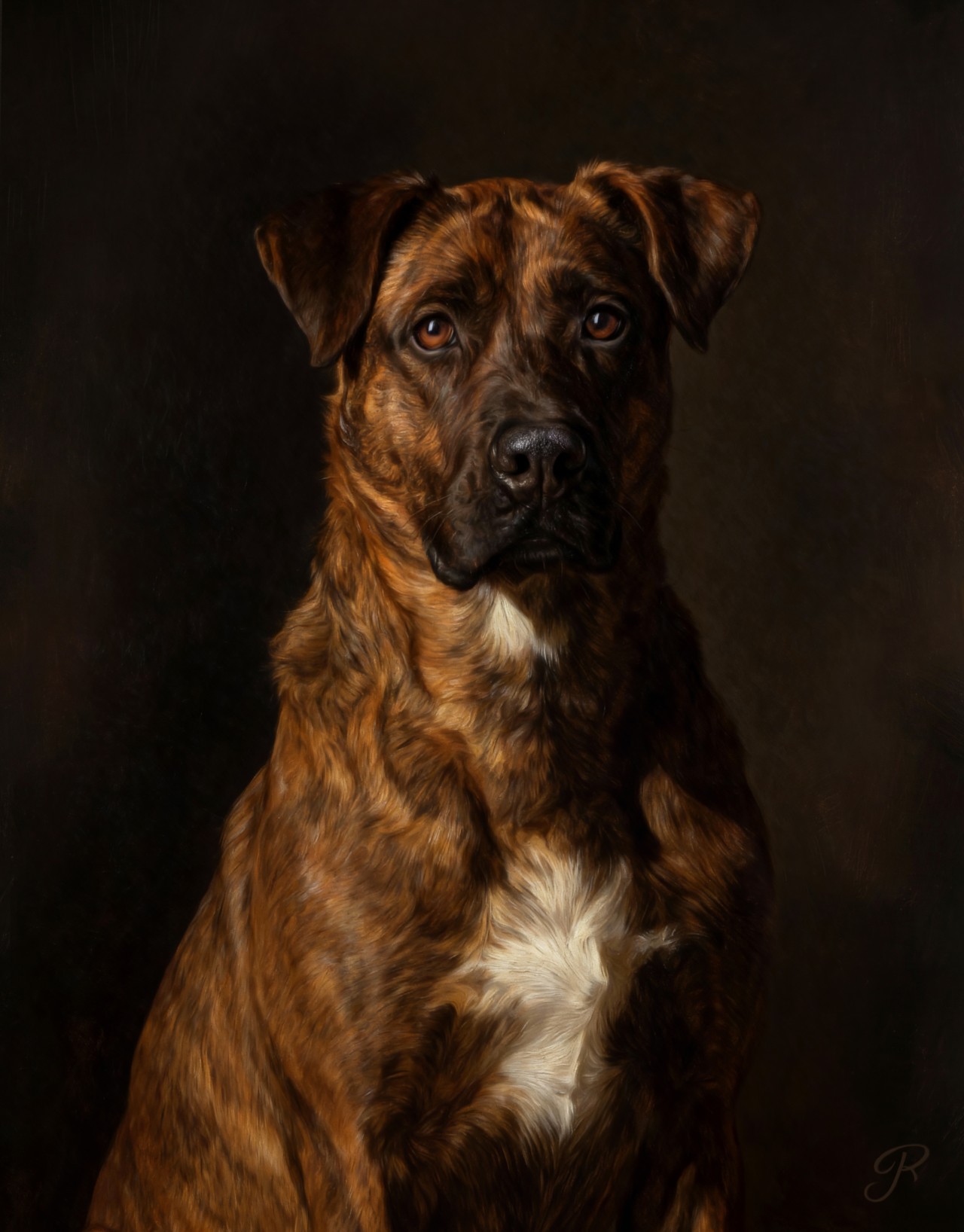
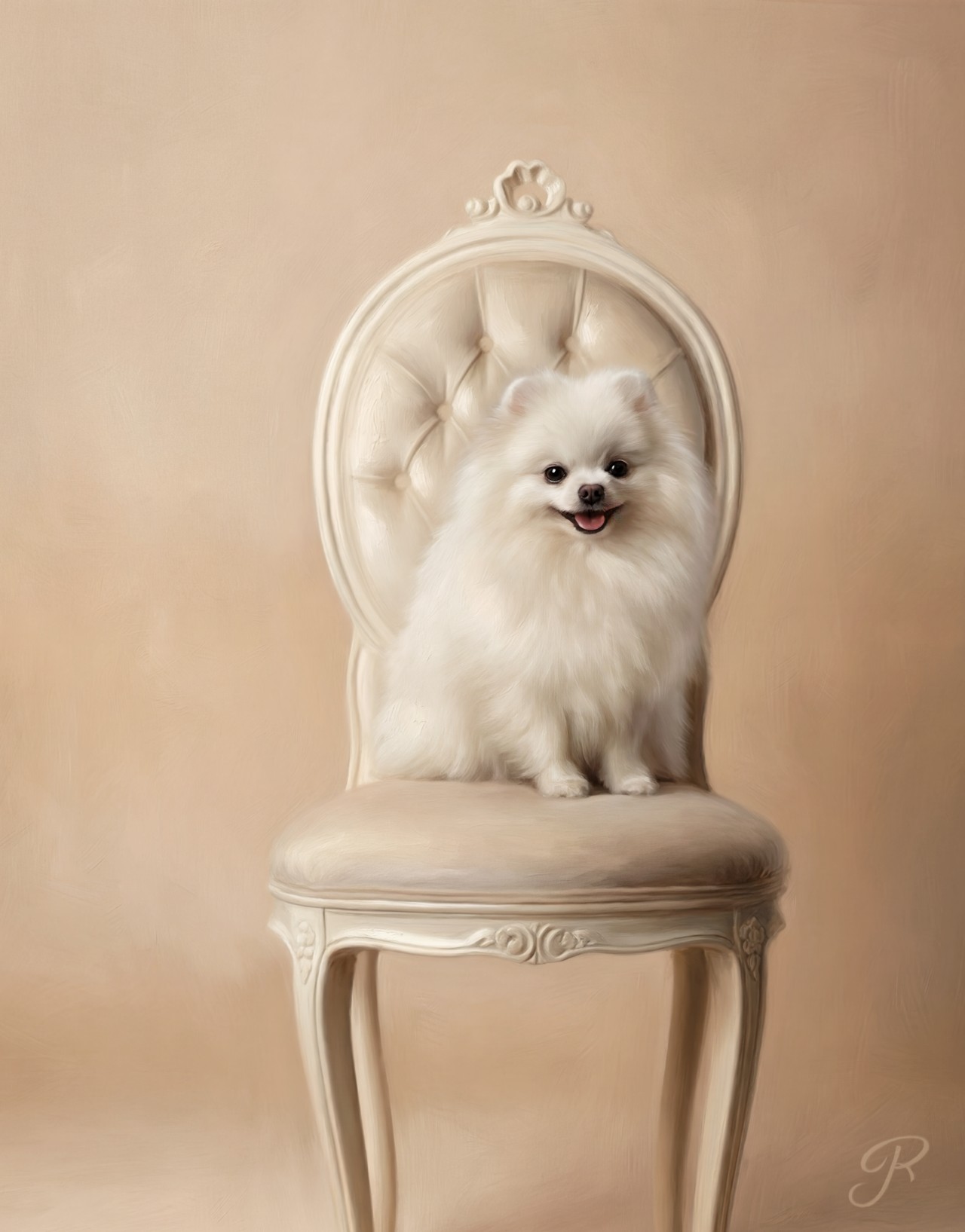
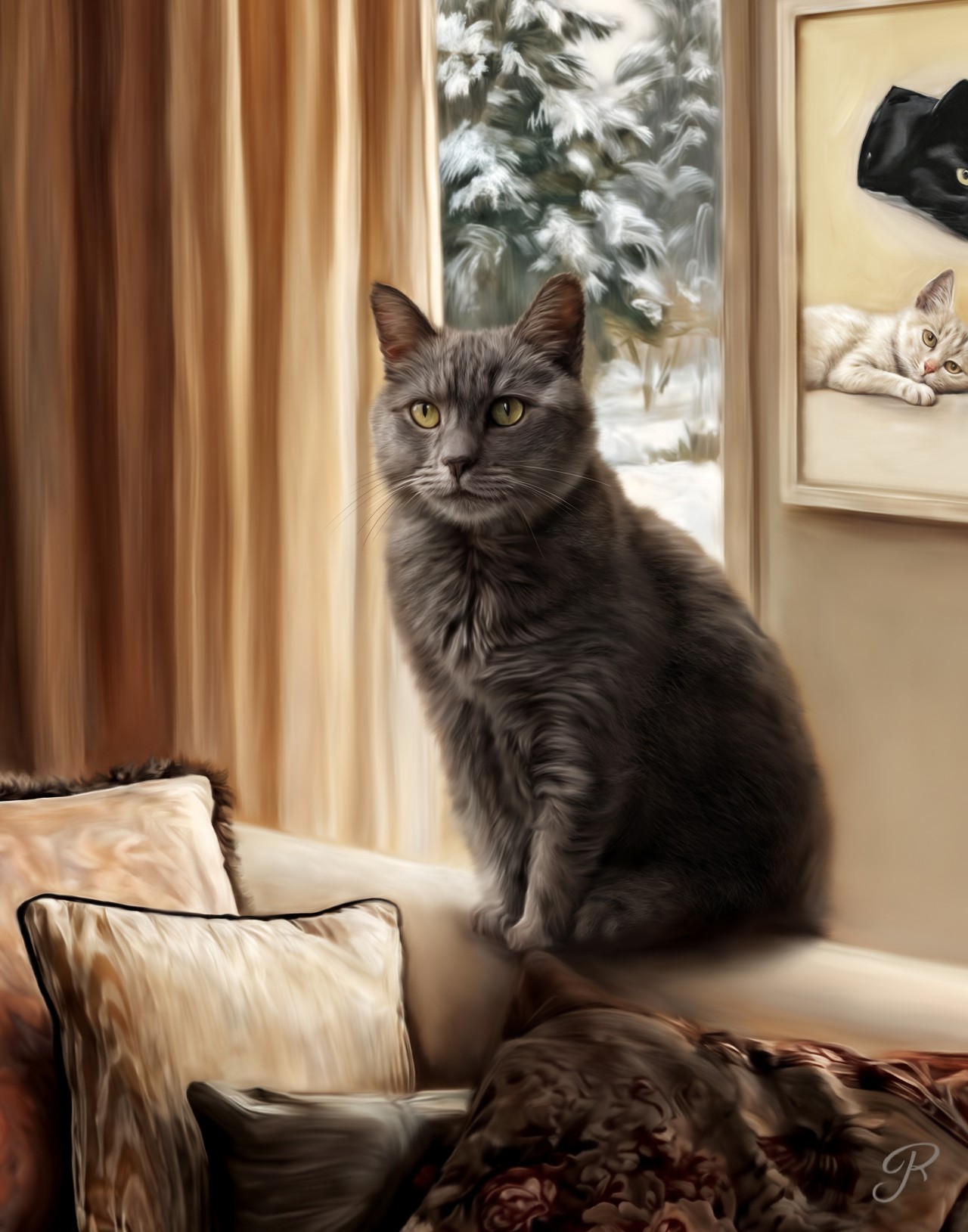
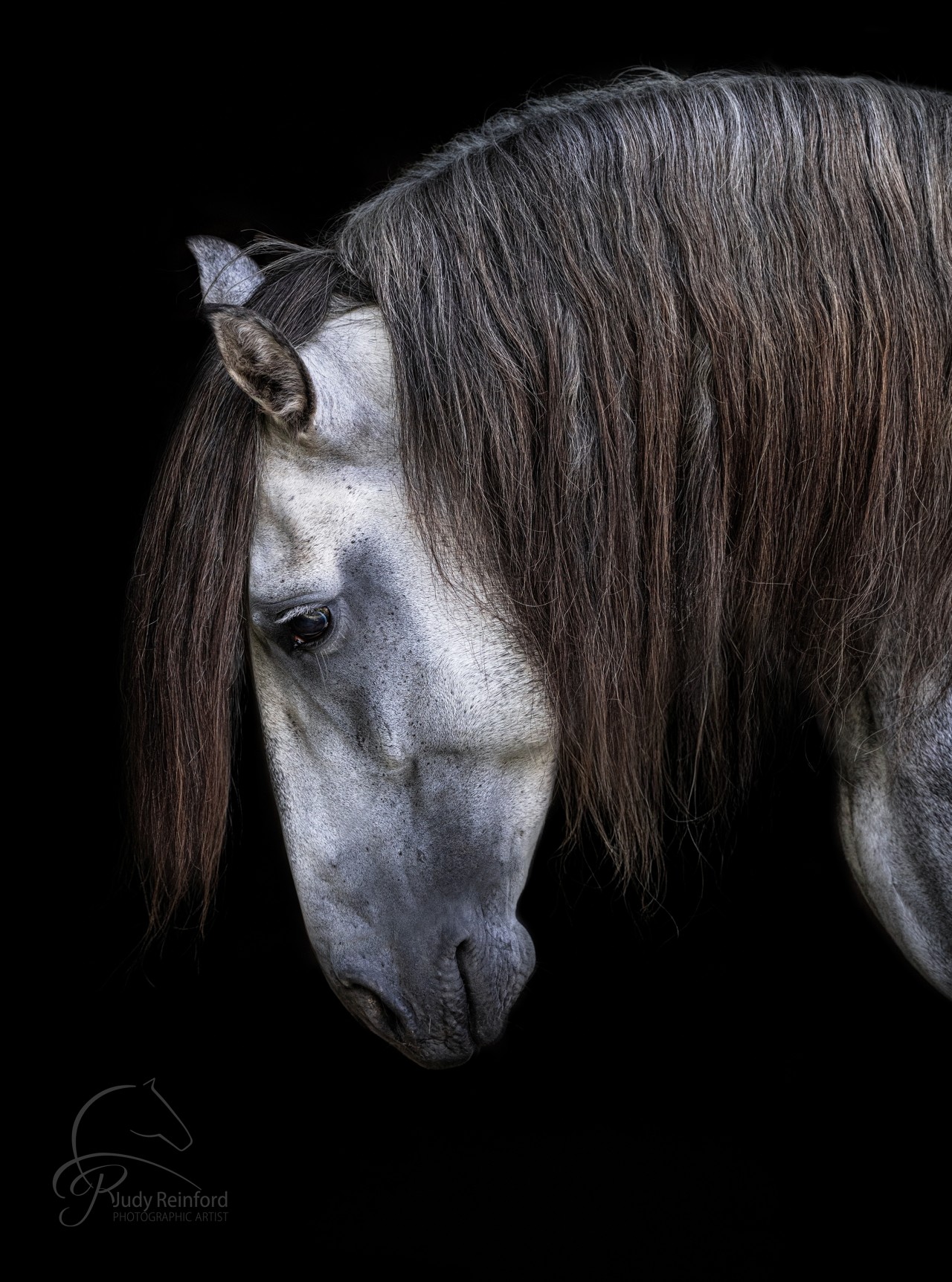
A before and after of a real recent project
A client asked me at a dinner party, "Can you do a large painting from a photo on my phone? It is from 2012". I said email it to me, and I'll see what I can do.

A very small old cell image that was under 1 MB. The ears are cut off and there is nothing great about this background.
The final painting is 24x30 inches. Creating the first step with Krea is just that, the first step. The magic happens in the finishing touches in Photoshop. Then printing it on canvas and embellishing it with paint and gels, makes it a true mixed media fine art painting.
Step into a transformative 3 day workshop September 28th- 30th 2026
9:00-6:00 EST Day 1 and 2 9:00-4:00 day 3
From Digital Creation To Brush Strokes On Canvas


The painting portion of the workshop is taught by Danica Barreau. She works full-time creating beautiful paintings for people all over the country.
Course Summary
Krea & Photoshop Mastery: A 3 Day Intensive for 10 Artists Focusing on Equine Art In Photoshop and Time Saving Edits in Krea.ai
Join us for an exclusive creative experience designed for just 10 artists.
The first day, we will dive deep into Photoshop to explore equine editing with focus on painterly transformations, creative edits and cropping to impact. Learn how to easily use the mixer brush and paint brushes in Photoshop. You’ll learn how to bring your digital creations to life with expressive brushwork and a fine art finish.
The second day, we will start with Q&A, then shift to a deeper dive in Krea.ai to explore the tools that can save you time with those edits that involve mane and tale movement against backgrounds you want to remove or edit.
The third day we will shift from screen to canvas with acclaimed artist Danica Barreau, who will guide you through her signature painting techniques on actual canvas. You’ll learn how to bring your digital creations to life with expressive brushwork and a fine art finish. While we watch paint dry, we will have a sales seminar that goes through my process for the big sales.
The canvas from Loxley Colour in Scotland will be one of your images. Danica can Photoshop paint your image if you are new to painting for a small fee. Having a finished sample that can be used to show your clients this new mixed media offering is key to getting these type of orders.
By the end of the workshop, you’ll be equipped to finalize your masterpiece at home if needed (this technique is pretty quick and easy), order a high-quality printed canvas from a trusted source, and apply the finishing brush strokes—creating a breathtaking studio sample that’s sure to WOW your clients.
FAQ
What is this workshop about?
This workshop teaches photographers and digital artists how to transform an image into a painterly fine art piece using a combination of Photoshop, Krea.ai, printed canvas, acrylic paints, gels, and finishing techniques. You will learn digital techniques from Judy to create a painterly look in Photoshop and Krea, then learn from Danica Barreau how to apply acrylics and gels to a printed canvas to create a finished mixed-media artwork. By the end of the workshop, you will take home your own completed painted canvas.
What will I create during the workshop?
You will create a finished mixed-media canvas using one of your own images. Your image will be digitally prepared before the painting portion of the workshop, printed on canvas, and then enhanced by hand with acrylics and gels during the workshop. The goal is for you to leave with a beautiful studio sample you can show clients as an example of this elevated fine art product.
Do I need to provide my own image?
Yes. Each participant will provide an image they would like to use for their finished canvas. This should be an image you love and would be proud to use as a portfolio or studio sample. Equine images are ideal for this workshop, but other suitable portrait-style images may also work depending on the goals of the class. Pets and human images are fine for this workshop.
What kind of image should I choose?
Choose an image with strong artistic potential.
A good workshop image should have:
A clear subject, good focus and resolution, strong emotional impact or storytelling potential, and enough detail to support a painterly finish.
A composition that will work well as wall art. Images with distracting backgrounds can still be used, especially because part of the workshop will cover how Photoshop and Krea can help with painterly transformations, creative edits, background work, and time-saving refinements.
Do I have to paint my image digitally myself?
No. You have options. Participants may either prepare their image themselves using Photoshop and/or Krea techniques taught in the workshop, or they may have Danica prepare the digital painting for an additional fee. This is helpful for students who are newer to digital painting or who want to focus more on the physical acrylic and gel finishing process.
What does Danica do if I pay her to prepare my image?
For an additional fee, Danica can digitally paint your image before it is printed on canvas. This means she will prepare the image so it is ready for the acrylic and gel finishing portion of the workshop. This option is especially useful if you are not yet comfortable painting in Photoshop or if you want a professionally prepared image to use as your workshop canvas. She also paints for photographers regularly.
Will my canvas be printed before the workshop?
Yes. Your selected image will be printed on canvas before the hands-on painting portion of the workshop. At the workshop, you will receive your printed canvas and learn how to apply acrylics and gels to create the finished painterly effect.
What will I take home?
You will take home your own finished painted canvas. This piece can be used as a studio sample, portfolio piece, or personal artwork. For photographers, having a finished sample is an important part of helping clients understand and purchase this type of mixed-media product.
What will I learn in Photoshop?
You will learn Photoshop techniques for creating a painterly look, including how to use tools such as the Mixer Brush and regular paint brushes to enhance your image. The Photoshop portion will focus on practical techniques that help transform a photographic image into something that feels more artistic, expressive, and painterly. Make sure you come with regular Photoshop up to date! NOT BETA.
What will I learn in Krea.ai?
You will learn how Krea can be used to support creative editing and time-saving workflows. This may include working with image sets, creating painterly composites, enhancing images, addressing difficult areas such as mane and tail movement, and using Krea to support more imaginative or storybook-inspired artwork. You will also learn techniques using text, upscaling and enhancing. The platform changes often, so there might be somoething new that does not exist yet.
Do I need experience with Krea?
No advanced Krea experience is required. The workshop is designed to introduce you to practical ways Krea can support your creative process, especially when working toward painterly or artistic edits. Some basic comfort with digital tools is helpful, but you do not need to be a Krea expert.
Do I need experience with Photoshop?
Some familiarity with Photoshop will be helpful, especially for the digital painting portions of the course. However, you do not need to already be an expert painter in Photoshop. The workshop will walk you through techniques for creating painterly effects, and participants who are newer to digital painting may choose to have Danica prepare their image for a fee.
What will Danica teach?
Danica Barreau will teach the physical painting and finishing portion of the workshop. She will guide students through applying acrylics and gels to a printed canvas to enhance the painterly look, add texture, and create a finished fine art piece. Her portion of the workshop helps bridge the gap between digital artwork and a tangible, gallery-style canvas product.
Who is Danica Barreau?
Danica Barreau is a digital artist and professional photographer based in Grove City, Ohio. She runs Pouka Art & Photography, where she creates portraits of pets and the people who love them. She holds multiple professional titles, including PPA Master Artist, Master Photographer, Photographic Craftsman, AIM Master of Animal Imagery, and Certified Professional Photographer. She is also a Grand Imaging Award finalist, PPA National Award recipient, and has been named Ohio Artist of the Year multiple times.
What is the overall schedule of the workshop?
The workshop is structured as a three-day intensive. On the first day, students dive into Photoshop techniques for painterly transformations, creative equine edits, and cropping for impact. On the second day, the workshop shifts deeper into Krea.ai, including tools that can save time and support challenging edits such as mane and tail movement or background adjustments. On the third day, the focus moves from screen to canvas. Danica teaches students how to apply acrylics and gels to their printed canvases.
Will there be a sales component?
While the canvases dry, there will also be a sales-focused seminar about how to offer and sell this type of finished artwork to clients. Yes. Part of the workshop will include a discussion of how to sell this type of mixed-media artwork to clients. The goal is not only for you to learn the creative process, but also to understand how a finished studio sample can help clients visualize and invest in this kind of elevated artwork.
Is this workshop only for equine photographers?
The workshop is especially focused on equine art and painterly equine edits, but many of the techniques can apply to pet portraits, animal portraits, and other fine art portrait work. If you photograph horses, dogs, pets, or people and want to offer a more artistic finished product, the skills taught in this workshop may be useful for your business.
How many students will be in the workshop?
The workshop is designed as an intimate experience for a small group of artists. The course summary notes that it is designed for just 10 artists. This smaller group size allows for more focused instruction and support during both the digital and hands-on painting portions of the workshop.
What supplies are included?
Your printed canvas will be provided for the hands-on painting portion of the workshop.
We provide an easel for the painting portion of the workshop, along with paints and gels.
Each student will receive a set of paint brushes to take home.
Do I need to bring my own laptop?
Yes, you should plan to bring a laptop capable of running Photoshop and accessing Krea.ai. Because the workshop includes digital editing instruction, you will need your own working setup. Make sure your software, logins, and files are ready before arriving so you can make the most of the class time. Traveling with an old out-of -date laptop could be problematic for the current software requirements.
Do I need a Krea.ai account?
Yes, you should expect to have access to Krea.ai for the Krea portion of the workshop. The free version does not have all the tools. Specific account level or subscription recommendations should be confirmed before the workshop, especially if certain features are needed for the techniques being taught.
Do I need Photoshop?
Yes. Photoshop is part of the workshop curriculum. Students will learn Photoshop techniques for painterly editing, including the Mixer Brush and paint brushes. Make sure Photoshop is installed and updated before the workshop.
What if I am not confident in my digital painting?
That is completely okay. You can still participate in the workshop. You will learn the techniques, and if you prefer not to prepare your own image digitally, you may choose to have Danica paint your image for an additional fee so your canvas is ready for the acrylic and gel portion.
Why does the image need to be prepared before printing?
The printed canvas becomes the foundation for the physical painting process. Preparing the image digitally first allows the final canvas to have the painterly structure, color, mood, and artistic direction needed before acrylics and gels are added. The physical painting then enhances and finishes the piece rather than starting from a plain photograph.
Can I finish the piece at home if needed?
Yes. The course summary notes that participants will be equipped to finalize their masterpiece at home if needed. The technique is described as fairly quick and approachable, and you will learn the process so you can continue or refine the finishing work after the workshop.
Why is this useful for my photography business?
This process gives you a way to offer clients something beyond a standard photographic print. A finished painted canvas can become a premium wall art product, a studio sample, or an artistic add-on for clients who want something more unique and personal. Seeing a finished sample helps clients understand the value of the process and imagine their own animals or portraits as fine art.
Will I get access to course materials after the workshop?
The course includes online curriculum sections, including Photoshop workspace setup, Photoshop brushes, and a Stamp Visible Action. There is also a private Krea & Photoshop Mastery Facebook group for people who take this class or a future version of the class. Access details may vary, so students should check the course platform for available recordings, downloads, and group access.
Is there a private group for participants?
Yes. The course includes access to a private Krea & Photoshop Mastery Facebook group for students who take this class or a future version of the class. This gives participants a place to continue learning, ask questions, and stay connected after the workshop.
What makes this workshop different from a regular Photoshop class?
This is not just a Photoshop editing class. The workshop combines digital painting, AI-assisted creative tools, printed canvas production, hand-applied acrylics and gels, and sales strategy. The result is a complete workflow from original image to finished physical artwork. That combination is what makes the workshop especially valuable for photographers who want to create and sell a more distinctive fine art product.
Who is this workshop best suited for?
This workshop is best suited for photographers and artists who want to:
Create painterly fine art images
Learn Photoshop painting techniques
Explore Krea.ai for creative and time-saving edits
Offer mixed-media canvas artwork to clients
Build a high-impact studio sample
Learn how to finish a printed canvas with acrylics and gels
Add a more artistic product line to their photography business
What should I do before the workshop?
Before the workshop, you should:
Select the image you want to use for your canvas
Make sure your image meets the required quality and resolution guidelines
Decide whether you will prepare the digital painting yourself or have Danica do it for a fee
Install and update Photoshop
Make sure you can access Krea.ai
Bring your laptop, charger, and any required login information
Review any pre-workshop instructions provided through the course platform
What is the biggest benefit of attending?
You will leave with both the knowledge of how to create a hand-embellished canvas and a finished physical sample. Instead of only learning a technique, you will complete the full process: digital preparation, painterly transformation, canvas printing, acrylic and gel finishing, and positioning the final product for client sales. That finished canvas becomes proof of concept for your studio, your portfolio, and your future client offerings.
3476 Old Philadelphia Pike, Intercourse, Pennsylvania, 17534, USA
You’ll learn to:
1. Train custom models in Krea using your own image sets.
2. Create seamless AI-generated composites directly in the Krea platform.
3. Enhance your images with painterly effects using both Krea’s Enhance mode and Photoshop’s painting tools.
4. Bring animals into enchanting, storybook-inspired scenes that clients will treasure.
5. Digital painting techniques in Photoshop using the Mixer brush and the regular paint brushes to create the final effect.
6. Painting and varnishing the printed canvas for the finished painterly look.
Whether you're looking to push the boundaries of your creativity, build new portfolio pieces, or offer elevated, artistic edits to your portrait clients, this workshop will give you the skills—and the inspiration—to do just that. Join us for an unforgettable deep dive into the future of storytelling through art and technology.
Goodies!
1. Private Krea & Photoshop Mastery Group On facebook.
( This group will be just for people that take this class or a future version of this class. )
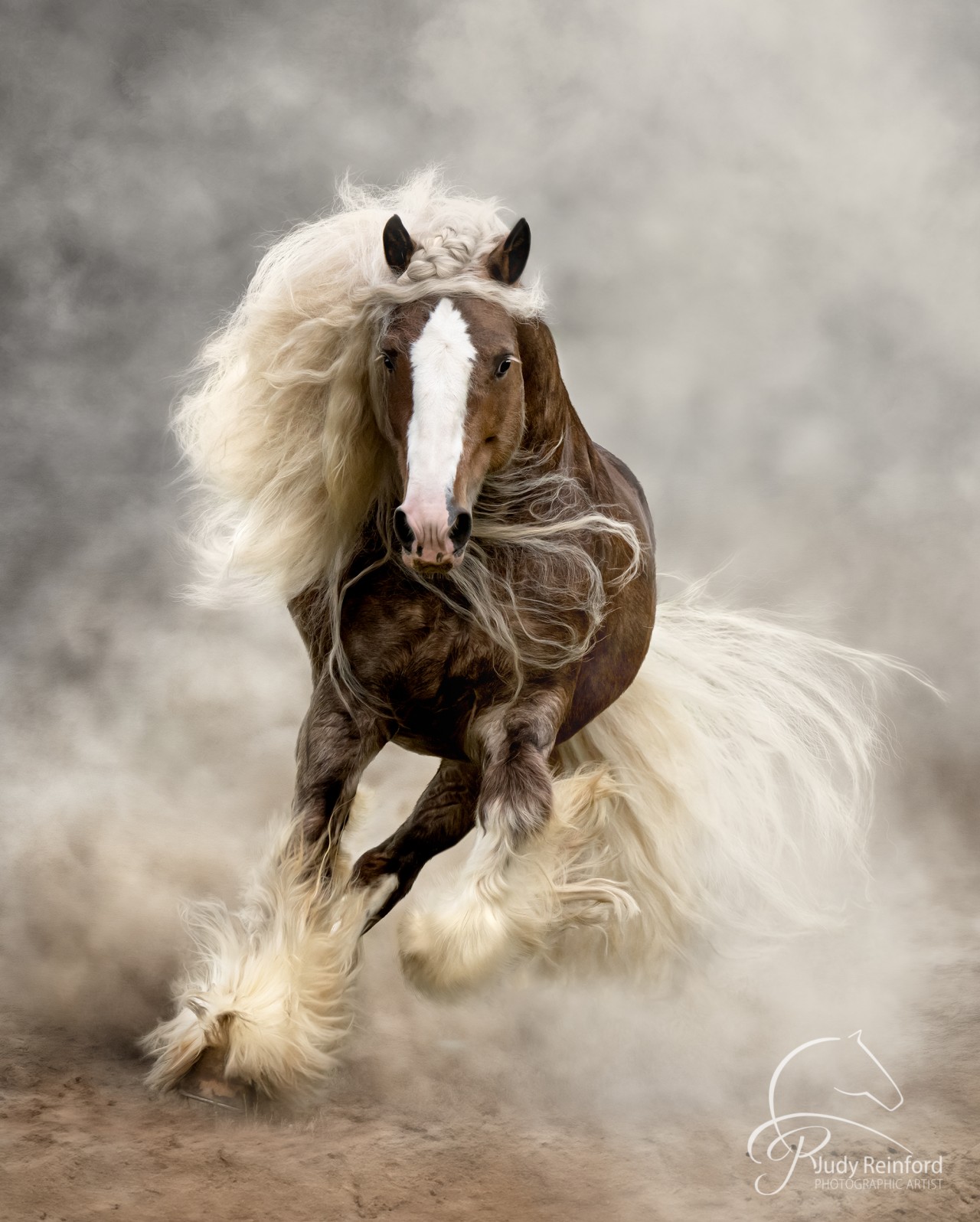
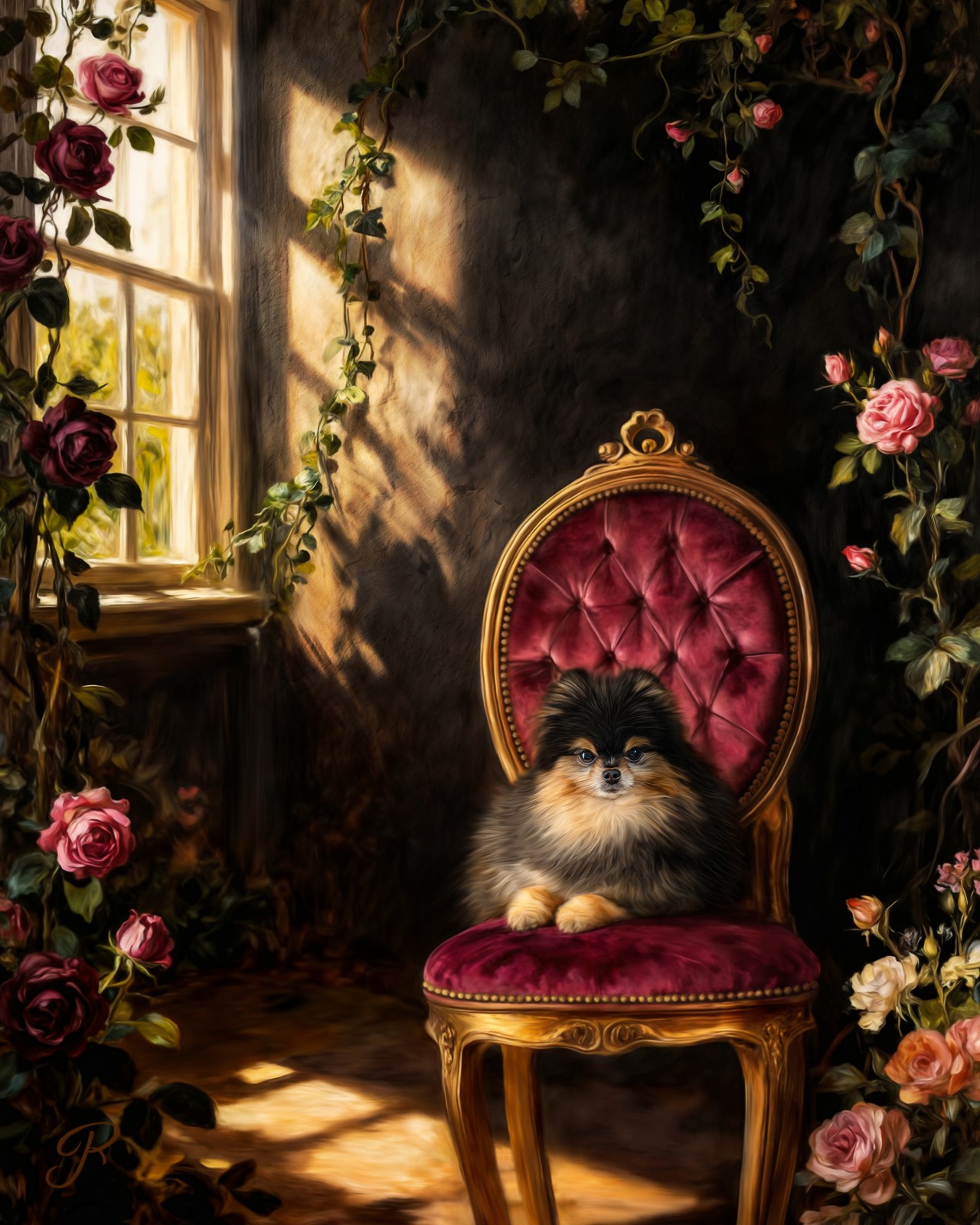
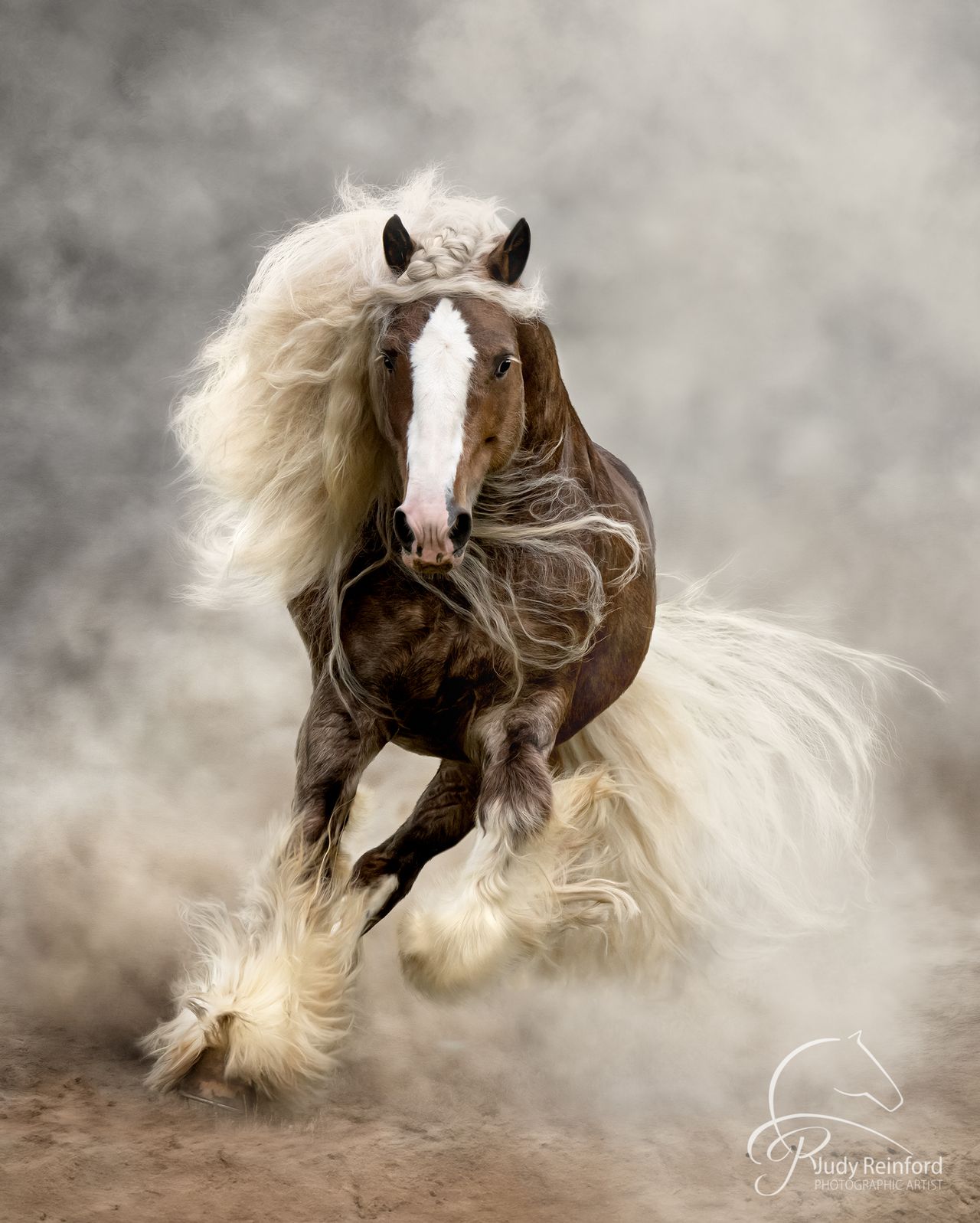
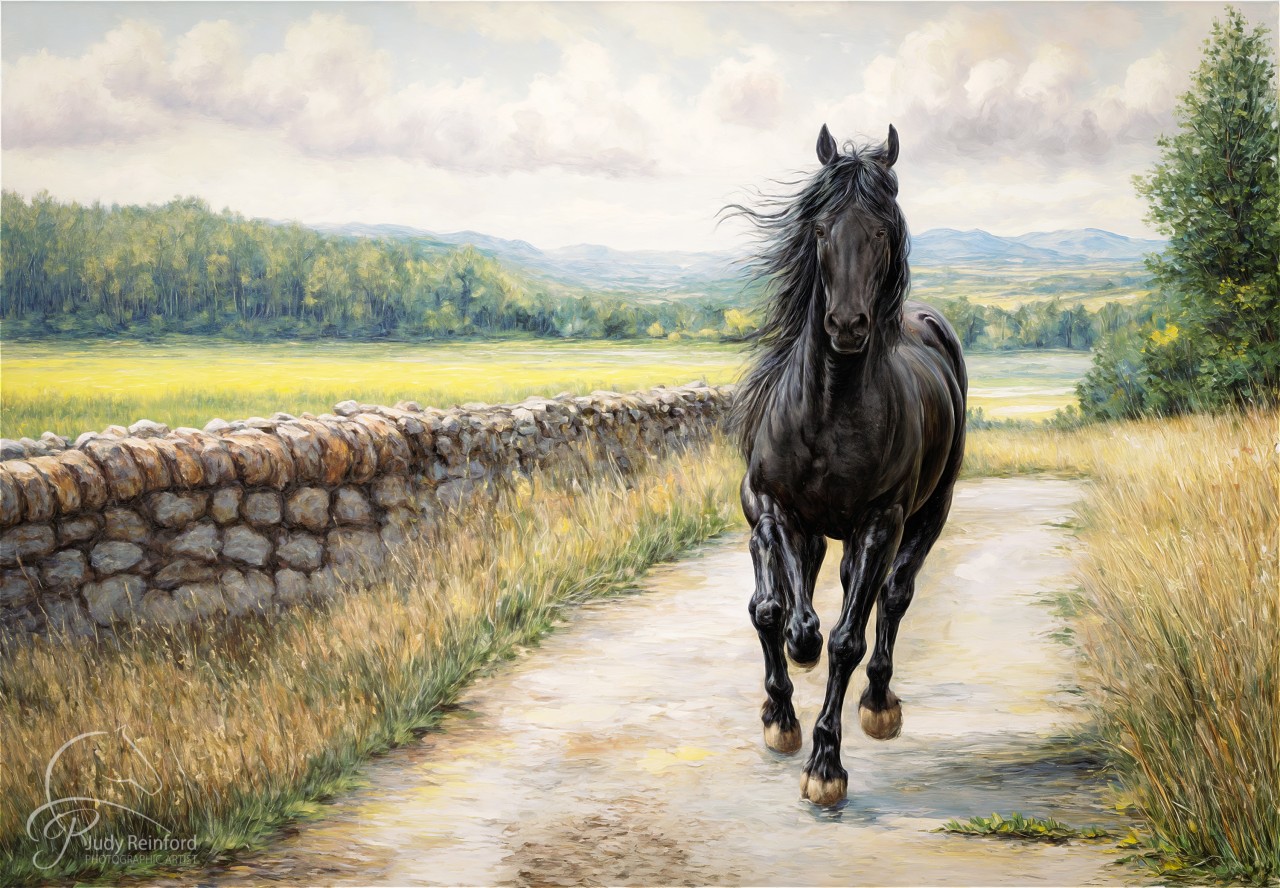
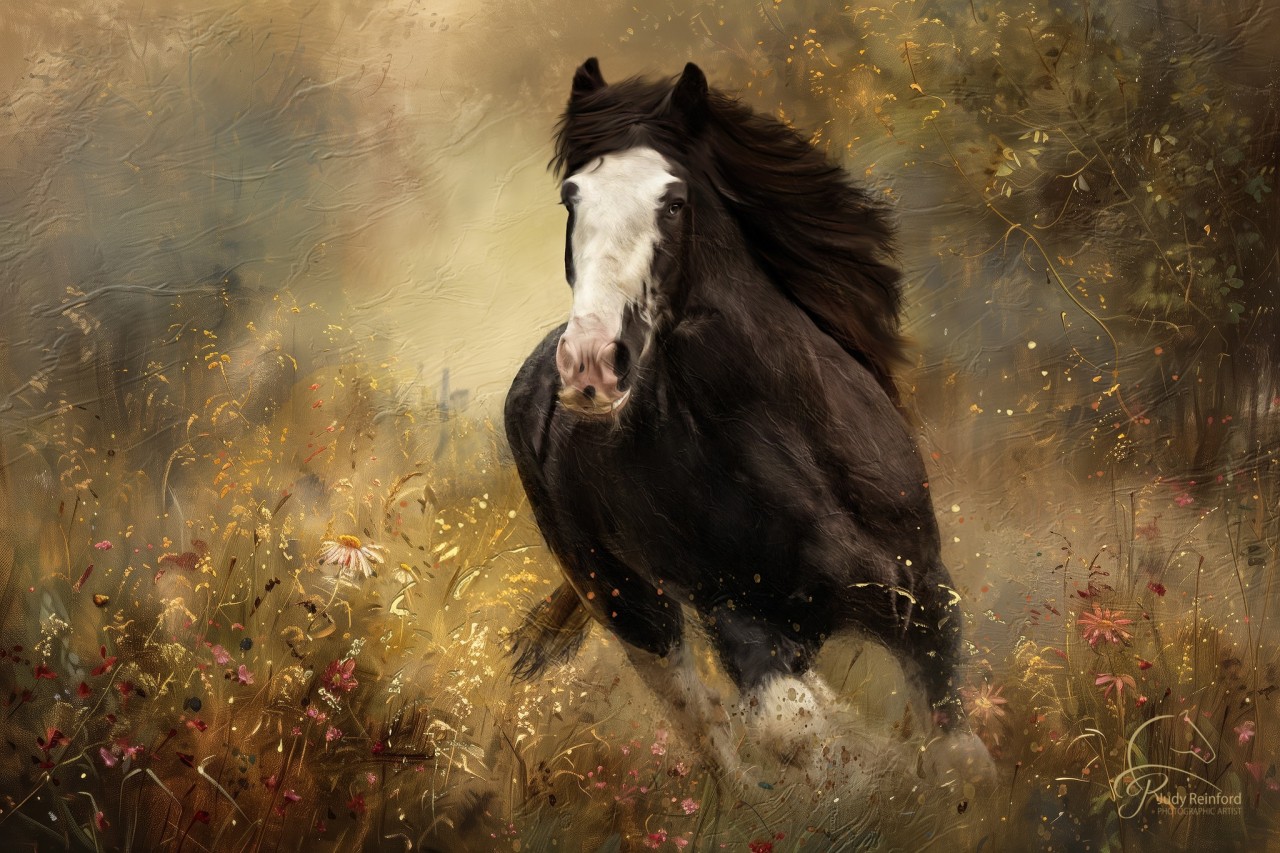
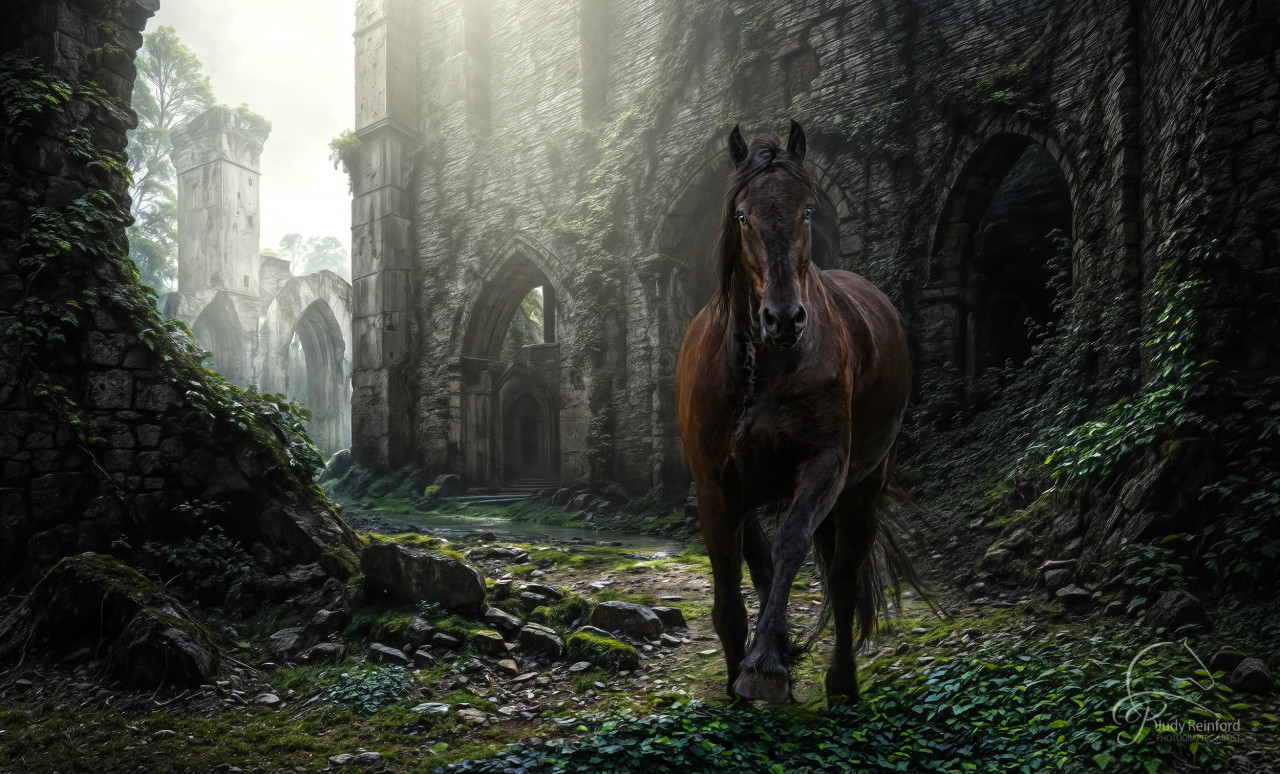
Composites by Judy Reinford, created from original images photographed either on location.
Learn to add Paint and Lacquer
Danica Barreau - Day 3. Learning how to add paint and lacquer to a physical canvas.
Danica is a digital artist and professional photographer based in Grove City, Ohio, where she runs Pouka Art & Photography—a studio devoted to creating portraits of pets and the people who love them. With a background that blends fine art and photography, Danica holds the titles of PPA Master Artist, Master Photographer, Photographic Craftsman, AIM Master of Animal Imagery, and Certified Professional Photographer. She currently serves as the President of the Professional Photographers of Ohio, co-chairs image competition for the International Society of Animal Photographers, and serves on the Images of Distinction committee for the American Society of Photographers. Danica’s a 9-time Grand Imaging Award finalist, a published author, a PPA National Award recipient, and has been named Ohio Artist of the Year for six years (and counting). When she’s not painting dogs, she’s usually surrounded by them—alongside a schoolteacher and an inordinate number of cats.


Course Curriculum

Judy Reinford
Judy Reinford M. Photog., M. Artist, CR., CPP, MAI
Judy's passion for photography began when she was just six years old. She vividly remembers spending hours in the darkroom with her grandpa, the gentle glow of the red light casting a warm hue over the developing images. There was something magical about watching photos come to life in the developing tray. Her grandpa’s instructions, “don’t turn the light on,” and the silent anticipation as the image emerged, left a lasting impression on her. That early experience in the darkroom sparked a fascination with the art of capturing moments and transforming them into visual stories.
In 1989, Judy graduated from Kutztown University with a BFA in Communication Design and Fine Art Photography. She began her career in photography at Hess’s department store, photographing everything from china to jewelry to bed linens. Judy's interest in pet, equine, and zoo photography developed through her involvement in PPA print competitions. This led to a passion for fundraising and donating her finished work to zoo gala silent auctions. She is currently on the board of The Lehigh Valley Zoo Gala Committee, underscoring her dedication to animal conservation.
Judy's studio specializes in pet and equine photography, offering on-location or studio sessions (though they haven't had a horse in the studio yet—just dogs). Her services include digital mixed-media paintings and fairytale composites of both pets and people. Over the past three years, horses have become a significant passion for Judy. She resumed horseback riding in the summer of 2020 and finds photographing these gentle giants, either alone or with their owners, a rewarding experience.
Her teaching seminars have gained national attention, attracting attendees to PPA Community Partners and Photography Guilds across the country. Even small events have seen participants flying in from afar. Achieving the titles of Master Photographer and Master Artist through the Professional Photographers of America (PPA) was an exciting and challenging journey for Judy. PPA offers these prestigious degrees to recognize the significant achievements of its members. Determined to attain both degrees simultaneously, she completed the rigorous process in less than three IPC competitions, a remarkable feat.
In 2023, Judy embraced the future by becoming an educator in the field of AI, teaching the positive aspects and potential of this technology. She is excited to explore how AI can enhance creative processes and push the boundaries of traditional photography and digital art. This new area complements the extensive Photoshop techniques already covered in her online and in-person workshops. I see the future of photography and art evolving rapidly with the integration of advanced technologies like AI. These tools are opening up new possibilities for creativity and expression, allowing artists to push boundaries in ways that were previously unimaginable. I believe that AI will become an integral part of the artistic process, enhancing our ability to create, edit, and share our work.
In this evolving landscape, I hope to be someone on the cutting edge of these advancements, helping to educate and guide students in using AI in a safe and beneficial way. My goal is to demonstrate the positive potential of AI in art and photography, helping others to see the good it can bring to our creative endeavors. By incorporating AI into my workshops and teachings, I aim to provide students with the knowledge and skills they need to leverage these technologies effectively, fostering a new generation of artists who are both innovative and responsible.
PPA 2026 Diamond Photographer Of The Year
5 Time Diamond Photographer
5 Time GIA Nominee
ASP IOD Image Of The Year 2025
ISAP Photographer Of The Year 2024
ASP Images Of Distinction, Best In Show Spring 2024
IPC 2024 Double Gold Medalist
2019-2022 PPA International Diamond Photographer Of The Year – Photographic Open
2023 PPA North Carolina Photographer Of The Year
2023, 2022 & 2020 Animal Image Makers - Best Equine Image
2023 Animal Image Makers - Best In Show
2023 Animal Image Makers - Master Of Animal Imaging
2021 Animal Image Makers - Accredited Professional Of Animal Imagery
PPNC Photographer Of The Year 2023
TXPPA Best Other Domestic Animal 2023
ASP 2nd Place Best Animal Portrait 2023
5 Time (2019- 2023) ASP State Elite Award
2021 MPI International Image Challenge - Digital Art Photographer Of The Year
2020 MPI International Image Challenge - Fine Art Photographer Of The Year
2020 - PPA International Platinum Photographer Of The Year – Master Artist
2019 WPPI Second Half Competition Third Place Animal Portrait
2019 ASP Bronze Medallion
2020 Imaging USA - Image Excellence Award
2019 ASP District Award 2019
Imaging USA - Craftsman Degree
2018 - PPA International Gold Photographer Of The Year – Photographic Open
2018 - PPA International Gold Photographer Of The Year – Master Artist
2018 ASP State Elite Award
2018 - PPA Northeast First Place Animal Portrait
2018 Imaging USA - Master Photography Degree and Mast Artist Degree
2017 - PPA International Gold Photographer Of The Year –Photographic Open
2017 - PPA International Platinum Photographer Of The Year – Master Artist
2016 - PPA International Silver Photographer Of The Year –Photographic Open
2016 - PPA International Gold Photographer Of The Year – Master Artist